Every Spaix Desktop license is bound to the PC, where it has been installed and activated. In case you need to move the Spaix installation to a new PC or upgrade the operating system of your machine, you need to deactivate the Spaix license at first. The deactivation ensures, that the Spaix license will become available again for a new installation on another machine.
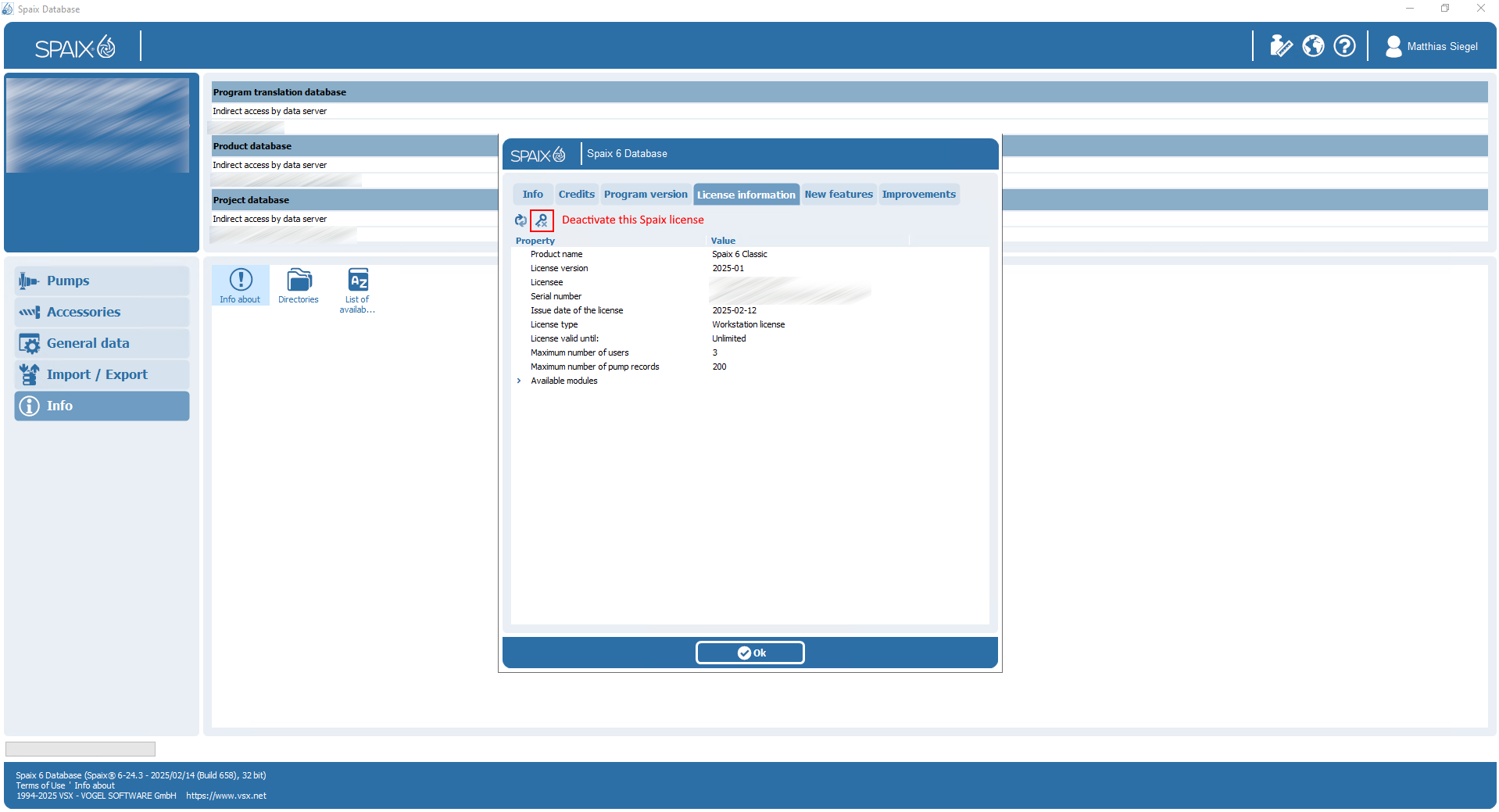
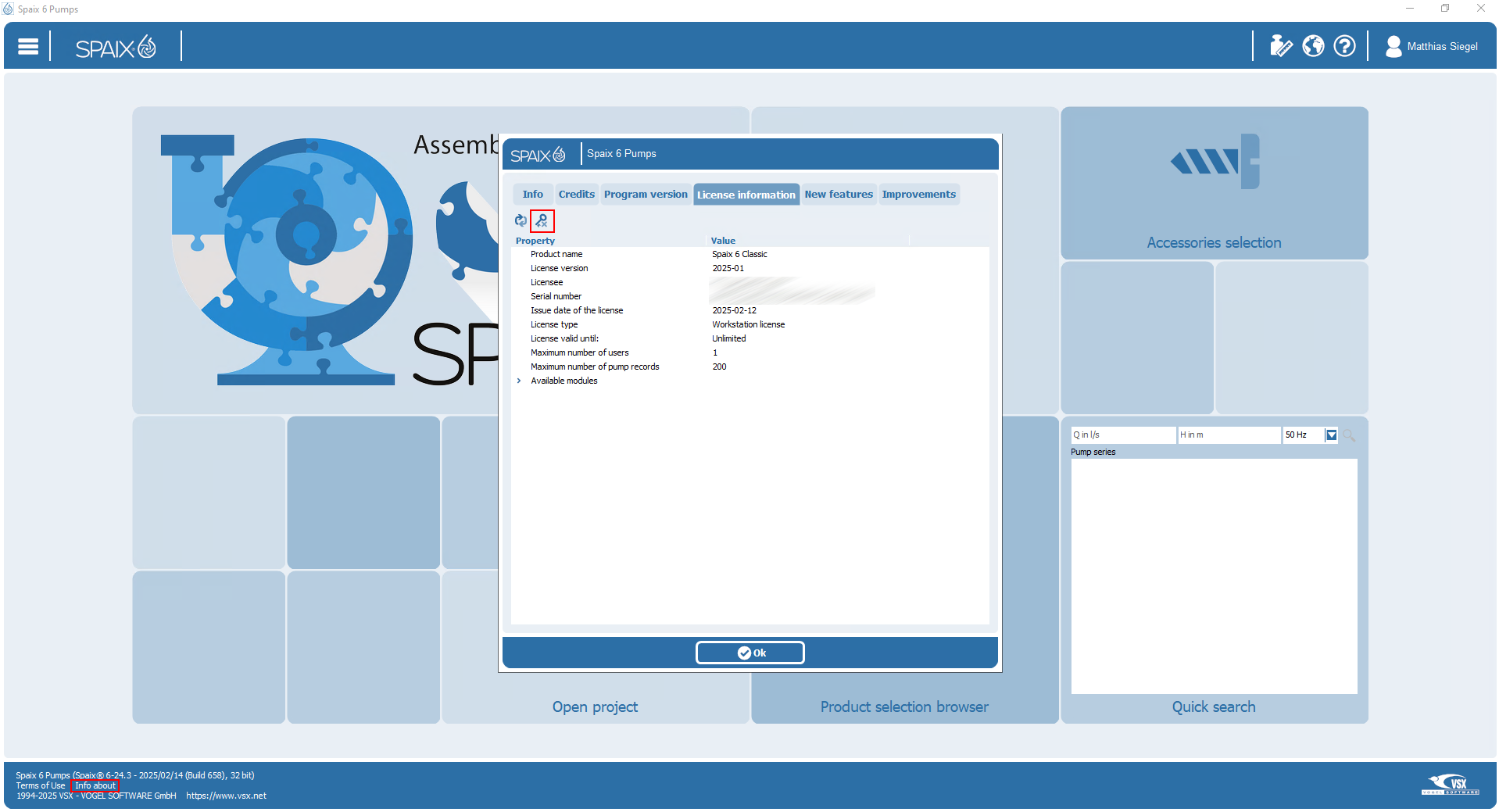
The license can be deactivated in the "Info about dialog":
Was this article helpful?
That’s Great!
Thank you for your feedback
Sorry! We couldn't be helpful
Thank you for your feedback
Feedback sent
We appreciate your effort and will try to fix the article